
Unique Ways to Reuse Your Content
Generating fresh content for your website and social media can boost user engagement, improve your SEO and increase the reach of your brand. The hard part is coming up with new content.
The good news is: “new” content doesn’t have to be 100% new. You probably have plenty of existing material that can easily be repurposed into new formats to create new content.
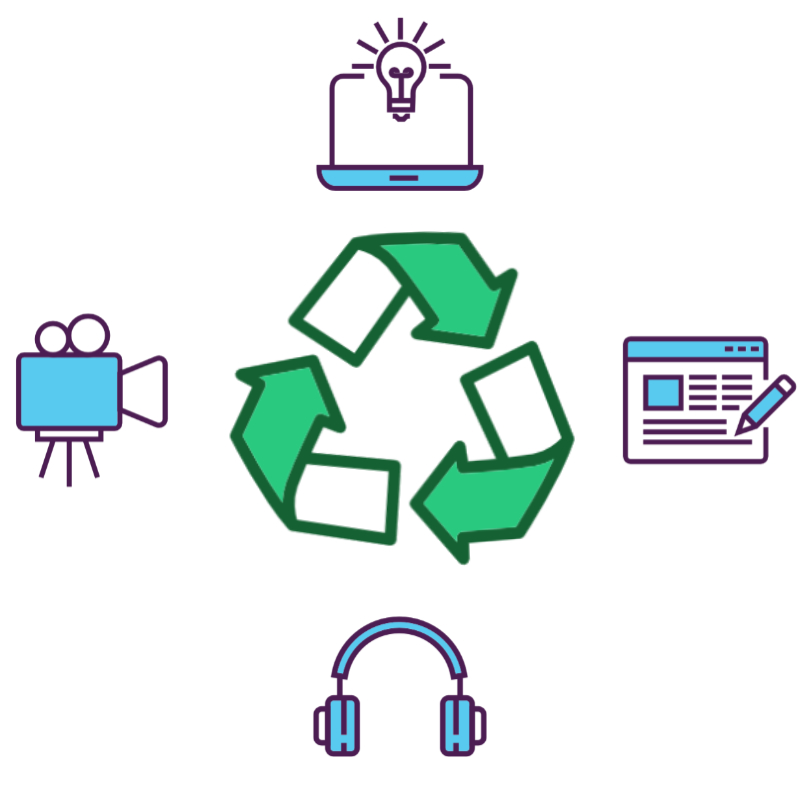
Repurposing your content will save you time and money, but it also has some benefits for your audience and your reach. In this post we’ll explain why repurposing might be worth your while and we’ll get you started with some ideas for how to turn existing content into new creations.
Benefits of Repurposing Content
Beyond saving you time and energy, repurposing your content has some notable benefits.
- Accessibility: If you only deliver content in one format (eg: blog posts in written form), you’ll only attract people who can easily engage with that format (eg: sighted people and folks who have the time to sit still long enough to read your post). Providing the same content in multiple formats allows you to reach a wider audience.
- Platform Diversification: Creating several different types of content means you can establish a presence on various types of platforms. For example, branching out into video content, allows you to build a following on platforms such as YouTube, Vimeo and other video platforms.
- Support Existing Content:
- Draw Attention: If you create a new short-form piece of content, you can use it to link back to your original long-form content.
- Supplement Content: Let’s say you use one of your existing blog posts as a template for a video on the same topic. Now that you have the video, why not embed it directly into your original article? This allows users to choose which format is easiest for them to absorb.
Ways to Reuse Your Content
Infographics
Infographics are a great way to condense large amounts of information into a small easy-to-digest image. They’re also versatile and can be used on and offline.
How to Use an Infographic
- Post to Social Media
- Enhance a Blog Post
- Print Flyers
How to Create an Infographic
Canva, Visme, Piktochart all offer some free features that allow you to create an infographic using their templates.
Video
Some concepts are much easier to convey with the help of a visual demonstration. Consider some of your existing content and see if you’ve got some good topics for videos, which can be personal clips or faceless videos.
Considerations for Video
- Audio: Any professional videographer will tell you that the most important element of video is audio. People will forgive poor quality video, but tolerate audio that’s full of background noise, difficult to hear or distorted. If you’re going to make a video, don’t rely on the built-in mic in your camera or phone. Instead, get a dedicated microphone that you can keep close to your voice at all times, such as a lavaliere mic.
- Video: Here’s the easy part: use your phone! Truthfully, you can use any type of camera you like but with high quality cameras built into most cell phones, there’s no reason not to use them. Consider a tripod or have an assistant help you film.
- Environment: Find a quiet place where you don’t have to compete with surrounding noises. Also, avoid places with too much echo as this can cause audio distortion.
- Structure: Plan your video in advance. Write out the script and a rough idea of the imagery you’d like to go with each section of the script.
- Editing: It’s possible to make videos that require little or no editing. However, if you’re recording your audio on a separate device from your video or you want to include specific footage or graphics with a voice-over, you’re going to do some editing.
- DIY Editing: For short social media videos programs like CapCut and Canva offer free editors that are relatively easy to use. For more advanced editing DaVinci Resolve is a great option that includes a free version.
- Hiring an Editor: If you’d rather not spend your time learning a whole new skill set, consider using a freelance platform like Upwork and Fiverr to hire an editor.
Podcasts
Do you have some old blog posts that aren’t getting the attention they deserve?
Take another look at that content and ask yourself if it could be made into a podcast episode. You may find that you have enough content on a particular topic to form an interesting podcast series.
With AI making content easier than ever to produce, podcasts are a powerful way to highlight the human side of your business. This content format lets you really showcase your personality and build a stronger connection.
Things to Consider
- Recording Space: When it comes to capturing high-quality audio, the room you’re in is often more important than the microphone you use. Background noise such as fans or humming electronics can ruin your audio. Do a little research before you start recording and sound-treat your recording space.
- Recording Equipment: You’ll need a microphone, a DAW (Digital Audio Workstation), and a computer with audio editing capabilities.
- Editing: Editing is the most time consuming part of the recording process. If you’re interested in learning how to DIY, there are plenty of free programs available. Otherwise, try a freelance hiring platform to find an editor to work with.
- Podcast Hosting & Distribution: Podcast hosting gives you a place to store your podcasts online. A distributor, such as Pandora and Spotify, helps listeners find, download and stream your podcast. Hosting services like Buzzsprout, Podbean and Anchor include distribution with their hosting plans.
Blog Posts
Video to Blog Post: If you’ve already got video content, you can use that content to create a blog post. Many video platforms, such as YouTube, will create a transcript of your video for free. Use the transcript as reference material to write your blog post.
Website Content to Blog Post: When writing for your website, brevity is key. However, that likely means you have to say on a given topic than any one of your web pages allowed. Read back through what you’ve written about on your website and see if any of the existing text could be covered more thoroughly in a blog post.
GIFs
Another way to get more use out of your video content is to capture clips of your video to create gifs. Gifs are great and getting attention and increasing engagement and are perfect content for social media posts that link back to your original content.
How to Make a GIF
There are several free programs online that allow you to upload a video, cut out a section to use as a GIF and make basic edits. Look into options like Canva, GIPHY Create and EZGIF.
Quote Graphics
Quote graphics are an eye-catching way to communicate your message with just a few words. They’re also supremely popular and sharable on social media.
Take a look at your existing blog posts or website content and I’m sure you’ll find some wisdom that’s perfect for a quote graphic.
How to Make a Quote Graphic
Canva and Pablo by Buffer both offer free tools for creating quote graphics.
Email Newsletters
Consider repurposing your blog posts as a newsletter. You can rewrite the content to better fit the format of an email and introduce your audience to content they might have missed.
How to Set Up a Newsletter
Mailchimp, MailerLite, and Flodesk are popular options for creating and managing your newsletter.
Same Content, Fresh Perspective
You’ve likely spent a good deal of time creating quality content. It’s worth taking another look at the website copy, blog posts or other content you already have to see how else you might be able to present the same information.