
What we've learned shipping websites.
Twenty years of design, accessibility, hosting, and SEO posts — written by the people doing the work, for clients and the next generation of agencies trying to do it well.
Latest writing.
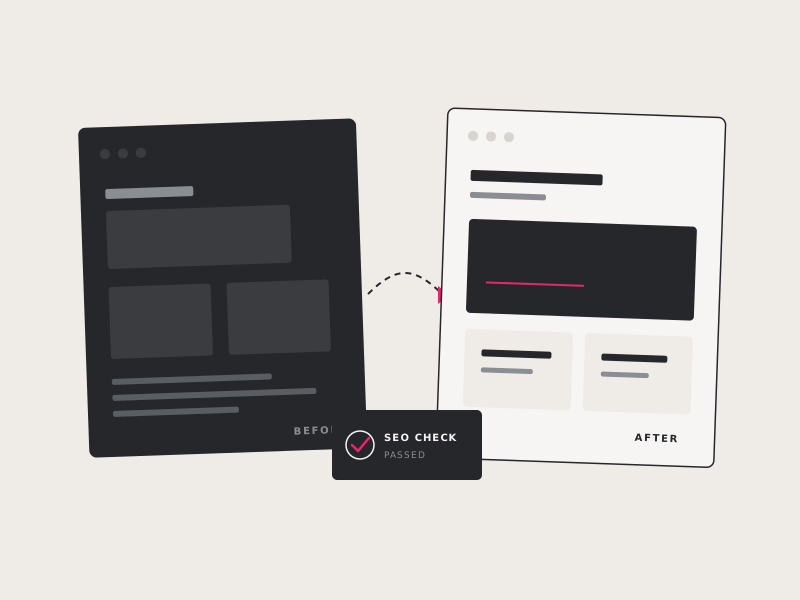
Website Redesign: A Realistic Step-by-Step Guide
A website redesign touches more than design. Here's what the full process actually involves, phase by phase, and how to protect your SEO while you're at it.
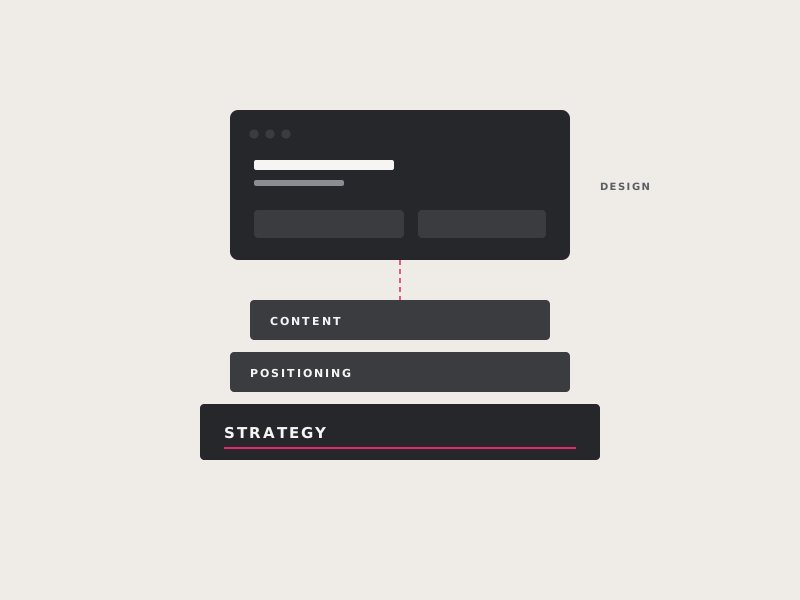
B2B Website Strategy: Design That Generates Leads
Learn how to build a B2B website strategy around your audience, goals, value proposition, content, trust signals, and clear calls to action that turn more visitors into qualified leads.
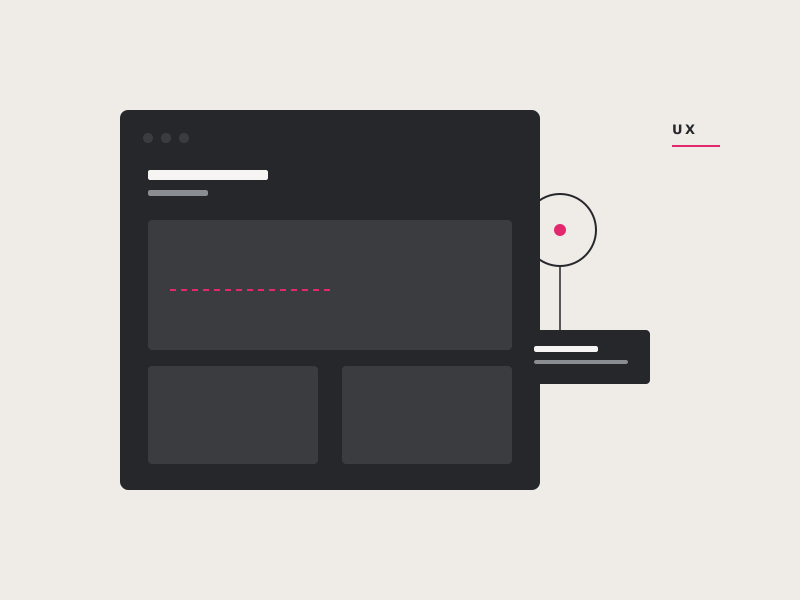
5 Keys to Designing Good UX
Explore five practical UX principles that make websites easier, more intuitive, and more enjoyable to use: audience needs, consistency, content hierarchy, accessibility, and familiar design patterns.
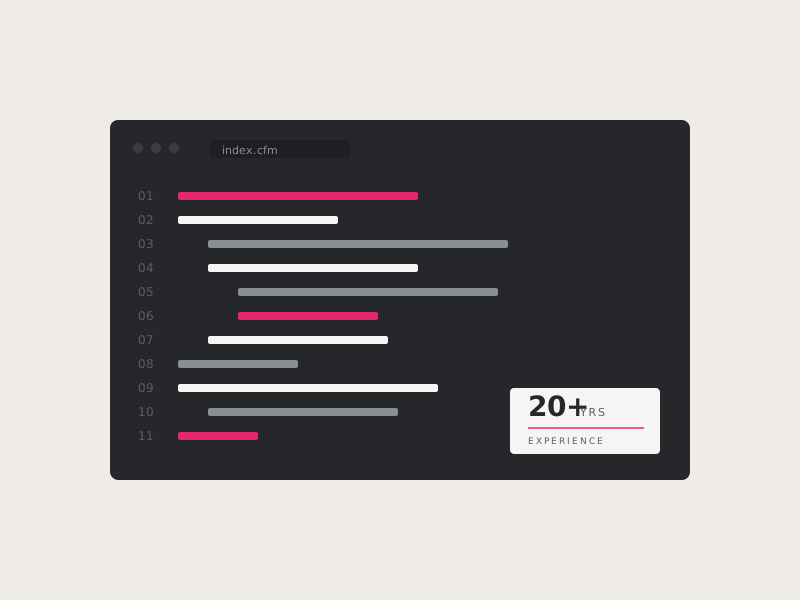
Hire a US-Based ColdFusion Expert with 20+ Years of Experience
Learn how an experienced U.S.-based ColdFusion developer can stabilize legacy applications, resolve bugs, modernize aging code, manage servers, and add new features without requiring a complete rebuild.
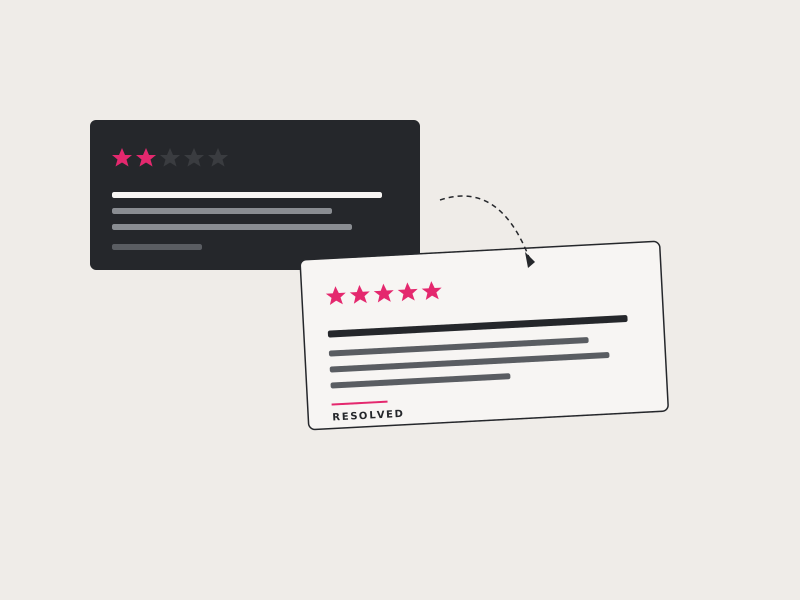
How Bad Reviews Can Help Your Brand
Discover how thoughtful responses to negative reviews can demonstrate your values, build credibility, reveal useful customer insights, and even turn an unhappy customer into a loyal one.
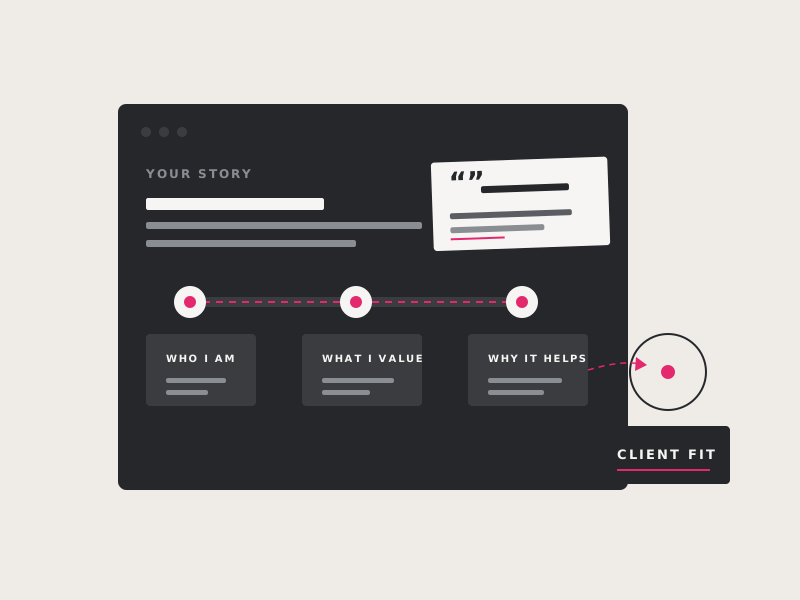
How to Write a Good About Page
Use practical prompts and examples to create an About page that shares your personality, values, experience, team, and social proof while staying focused on what matters to prospective customers. That means you have to: A) Be vulnerable enough to show who you are. B) Keep it relevant to your audience.
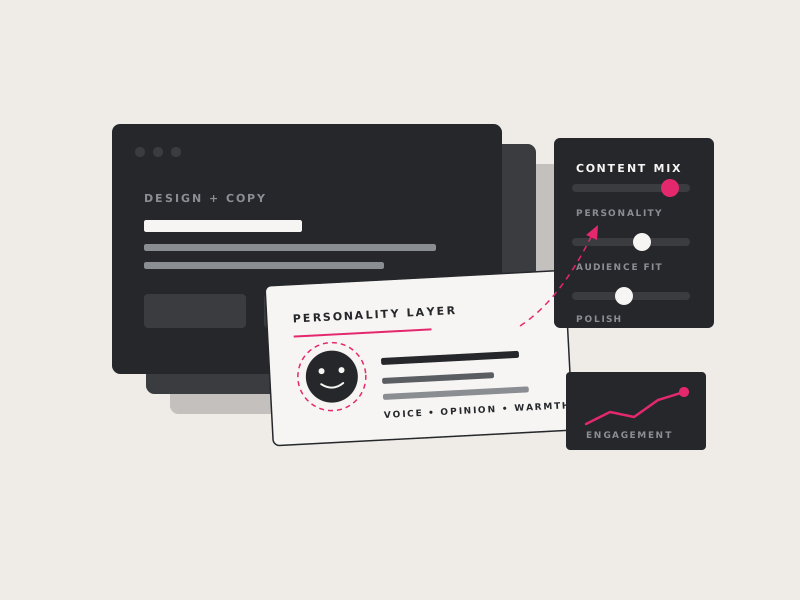
Prove You're A Human: Content that shares your personality
Learn how authentic photos, personal stories, videos, and a recognizable brand voice can make your business feel more human, build trust, and stand out from generic or AI-generated content. It could be that the missing element is just a little bit of personality.
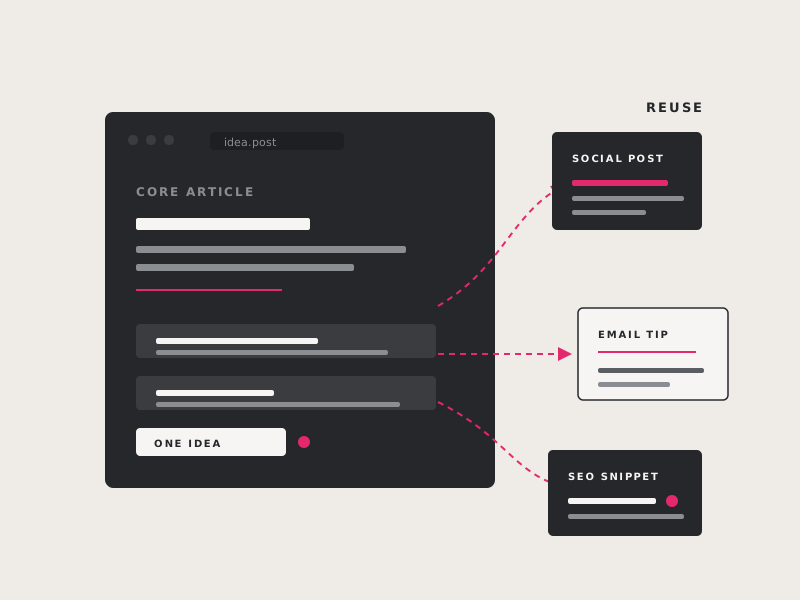
Unique Ways to Reuse Your Content
Get practical ideas for turning existing articles and resources into videos, infographics, podcasts, social posts, and other formats that expand your reach while saving time and effort.
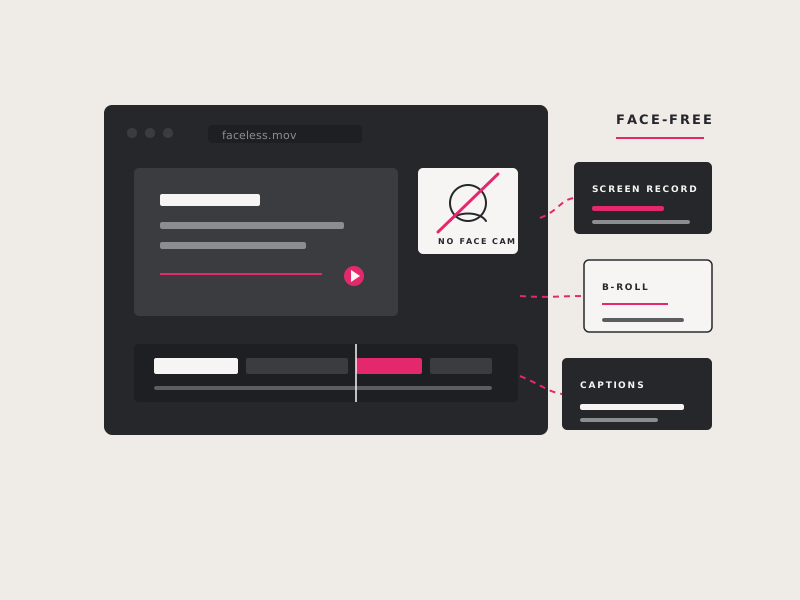
Faceless Videos That Work
Explore effective video formats that do not require appearing on camera, including text-based clips, product tutorials, screen recordings, animation, and creative footage paired with narration.
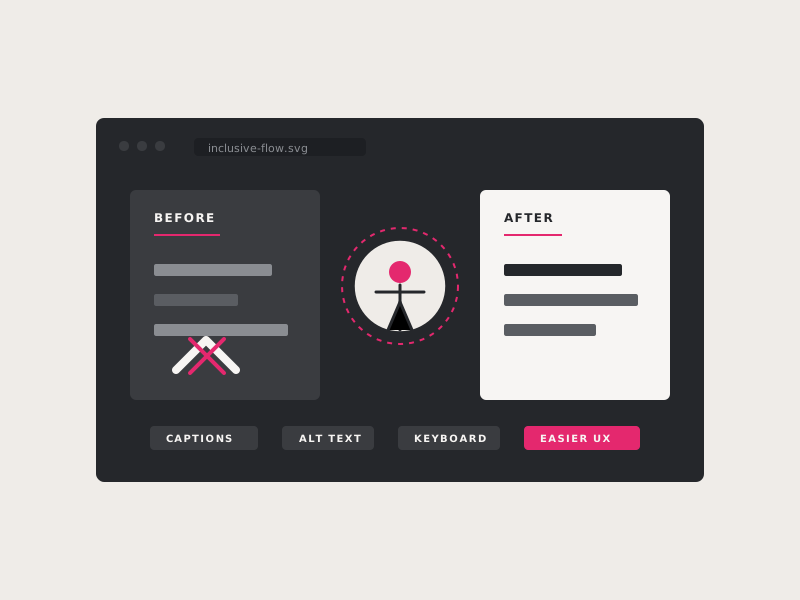
Does Accessibility Really Improve UX for Everyone?
See how accessible design features such as captions, strong contrast, clear navigation, and reduced motion improve usability not only for people with disabilities, but for every website visitor.
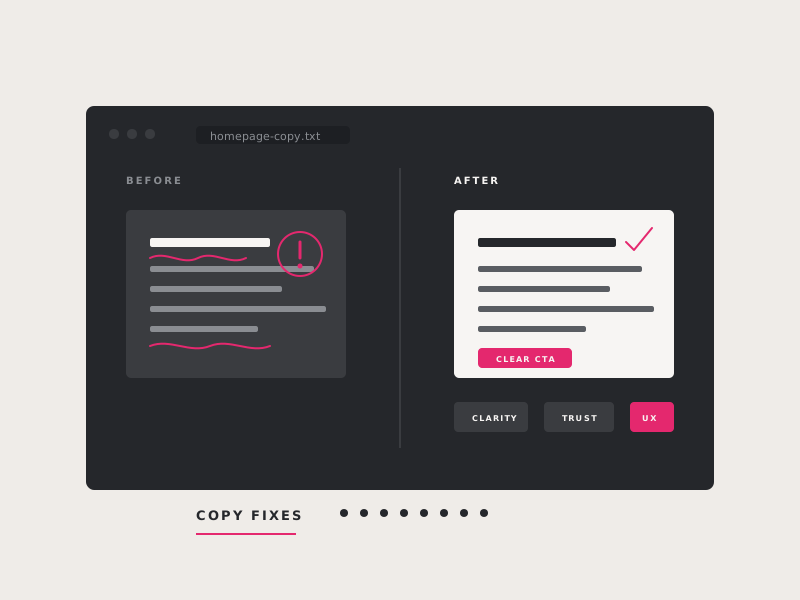
8 Copy Writing Mistakes & How to Fix Them
Identify common website copy mistakes, including jargon, weak calls to action, poor readability, inconsistent voice, and customer-neutral messaging, and learn practical ways to make your content clearer and more persuasive. Here are some common copy writing missteps that could be hurting your website’s performance and recommendations on how to fix them.
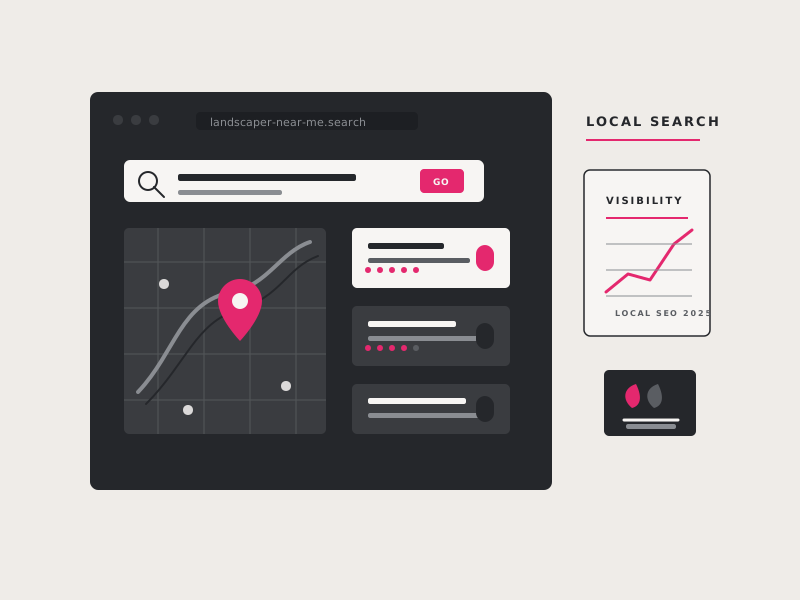
How Local Service Businesses Can Boost Their Online Visibility in 2025
Want to attract more customers this year? Learn how local service businesses can combine strong website content, video, Google Business Profile optimization, reviews, local authority, and consistent trust signals to improve online visibility.
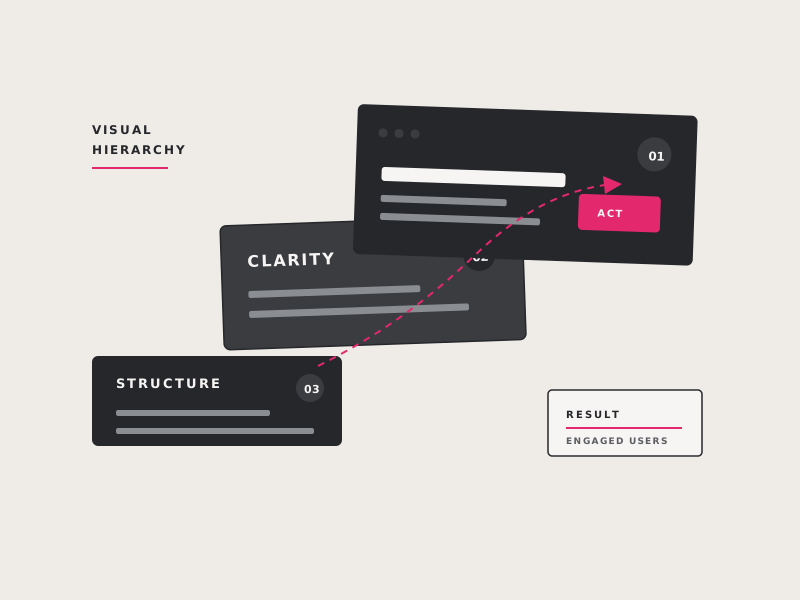
The Power of Visual Hierarchy: Designing Websites That Captivate (and Drive Results!)
Learn how size, color, contrast, spacing, and placement guide attention, clarify your message, improve accessibility, strengthen branding, and help more website visitors take action. In this article, we’ll explore the importance of visual hierarchy and how you can leverage this principle of design to create an intuitive website that keeps your visitors engaged.
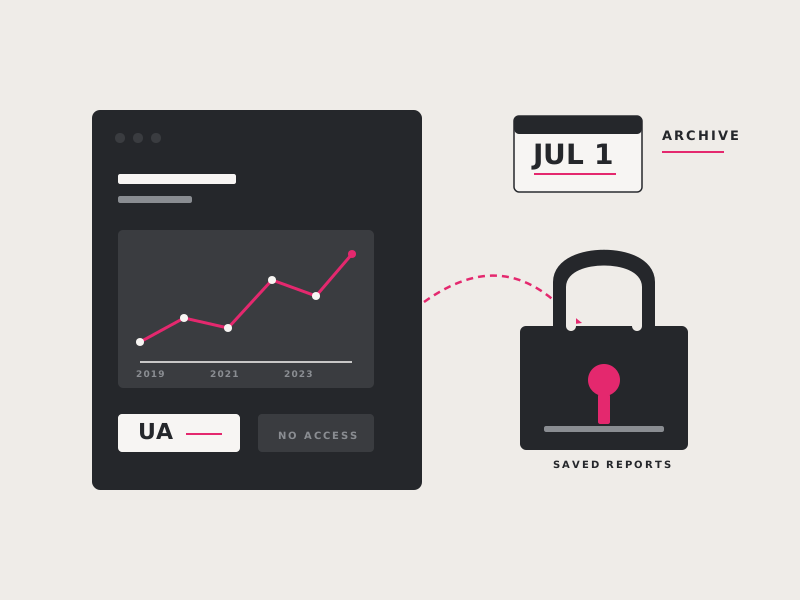
Google Analytics Deadline – July 1, 2024
Learn what happened to Universal Analytics data, why businesses needed to export historical reports before the July 2024 deletion deadline, and how GA4 differs from the previous platform. If you want to retain any of your old data for comparison, you will need to export it before the deadline.
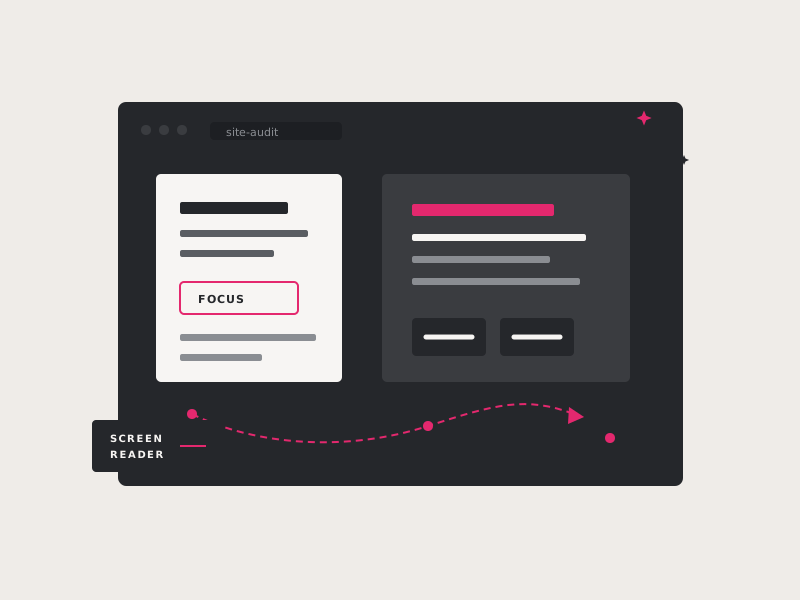
How Website Accessibility and SEO Go Hand in Hand
Explore how accessible headings, alt text, clear structure, readable content, and logical navigation also help search engines understand your website and improve its visibility.
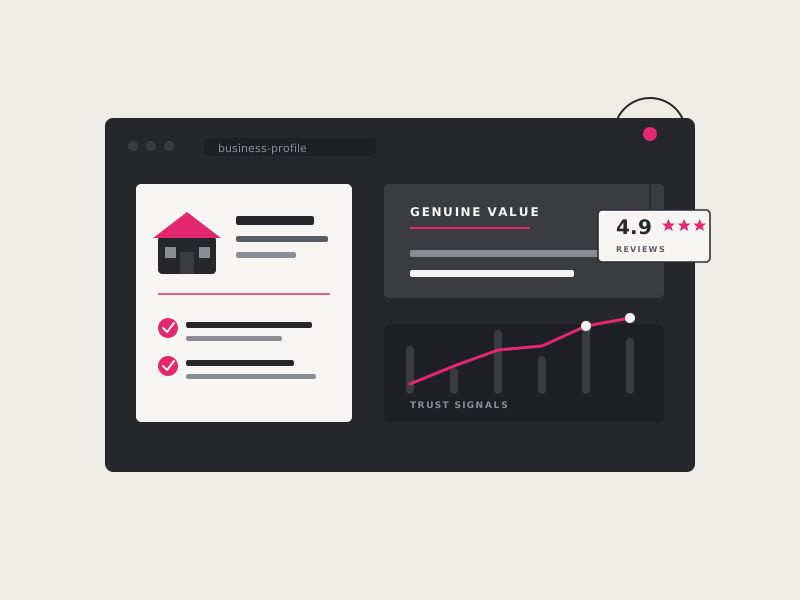
Mastering Local SEO: Boost Your Business's Visibility with Genuine Value
Learn how experience, expertise, authority, and trust can strengthen local SEO—and how authentic content, reviews, service pages, team information, and real photos demonstrate genuine value.
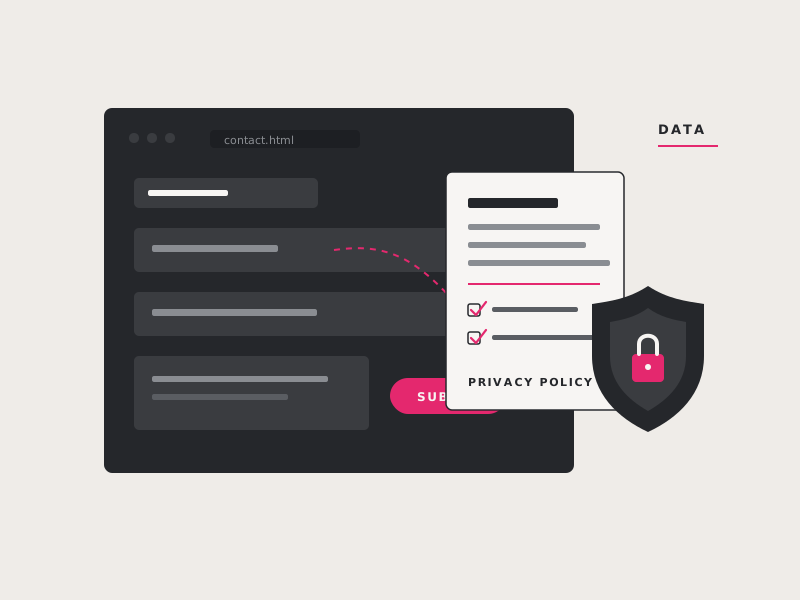
Does Your Website Need a Privacy Policy?
Learn when a website is likely to need a privacy policy, what common tools collect personal information, and the pros and cons of generators, subscription services, and attorney-drafted policies.
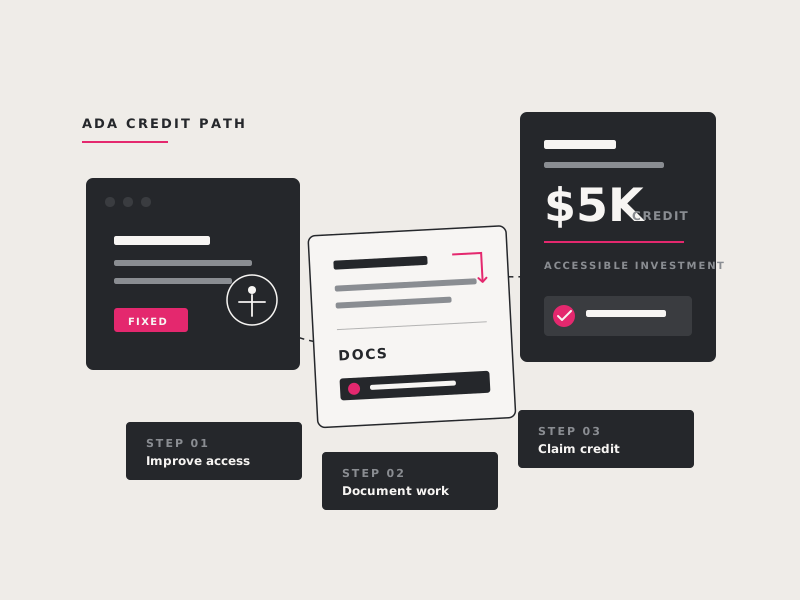
Write Off up to $5,000 with the ADA Tax Credit
Find out whether your small business may qualify for the Disabled Access Credit and how eligible website accessibility improvements can provide a federal tax credit of up to $5,000.
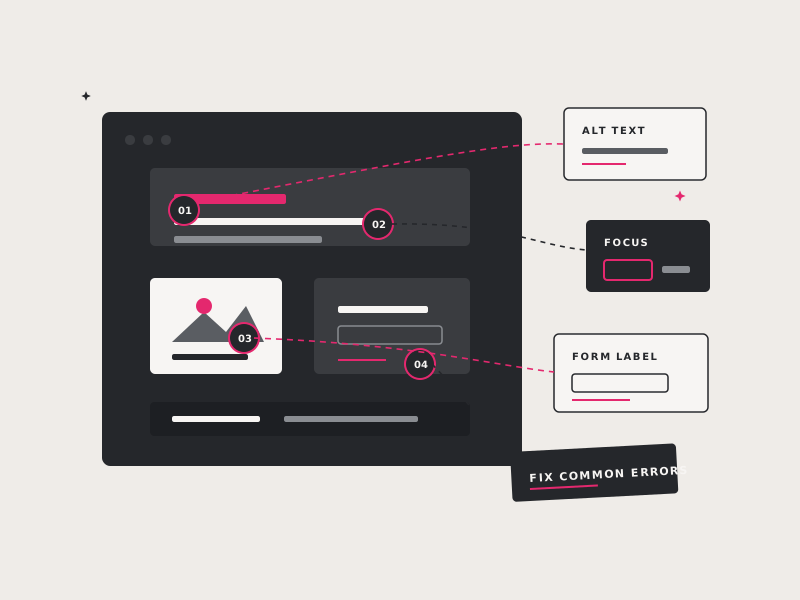
How to Check a Webpage for Accessibility
Follow a practical accessibility review covering keyboard navigation, zoom, font size, contrast, headings, links, forms, alt text, and other common barriers you can check on your own.
Web Accessibility Guidance from DOJ
Review the U.S. Department of Justice’s website accessibility guidance, including who the ADA may affect and common issues involving contrast, alt text, captions, forms, and keyboard navigation.
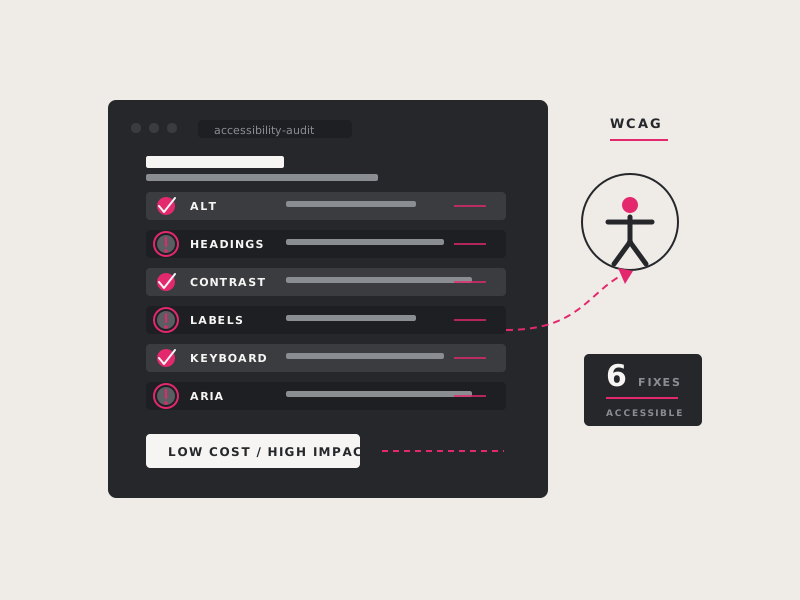
6 Easy-To-Fix Accessibility Issues to improve your website
Learn how to identify and correct six common accessibility issues, including low contrast, missing image descriptions, unlabeled form fields, unclear links, missing language settings, and inaccessible buttons.
6 Ways To Boost Your Business’s Rank on Google Local Search
Improve your local search visibility by strengthening your Google Business Profile, reviews, on-page SEO, directory citations, business information, and consistent activity across your website and social channels.
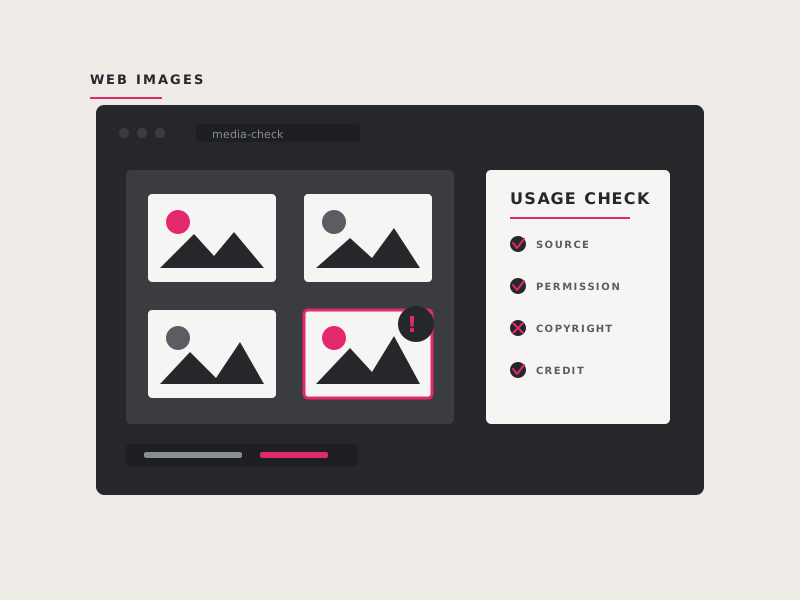
Beware of the Pitfalls of Using Images on the Web
Learn how to avoid costly image copyright mistakes, recognize threatening copyright scams, verify usage rights, and find safer sources for royalty-free or properly licensed website imagery.
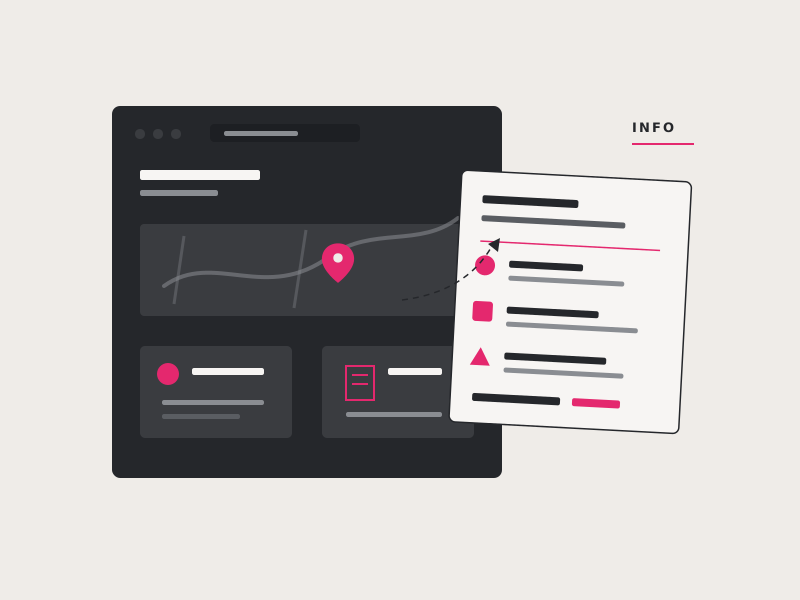
Take your business “Virtual” with these tools
Explore practical tools for video meetings, file sharing, remote access, project management, online payments, and other tasks that help a small business operate effectively from home.
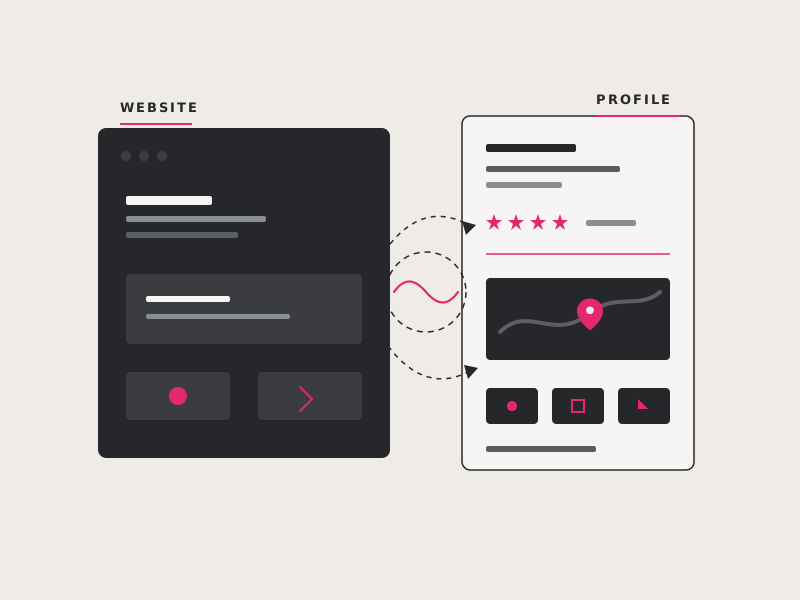
Have some unexpected spare time? Learn how to upgrade your online presence!
Use unexpected downtime to strengthen your online presence by updating website content, improving SEO, gathering reviews, creating useful resources, and preparing future marketing materials.
Keep your business on the map… Does your website have these features?
Learn which website and Google Business Profile features help local customers find accurate business information, view your location and hours, contact you, and leave reviews.
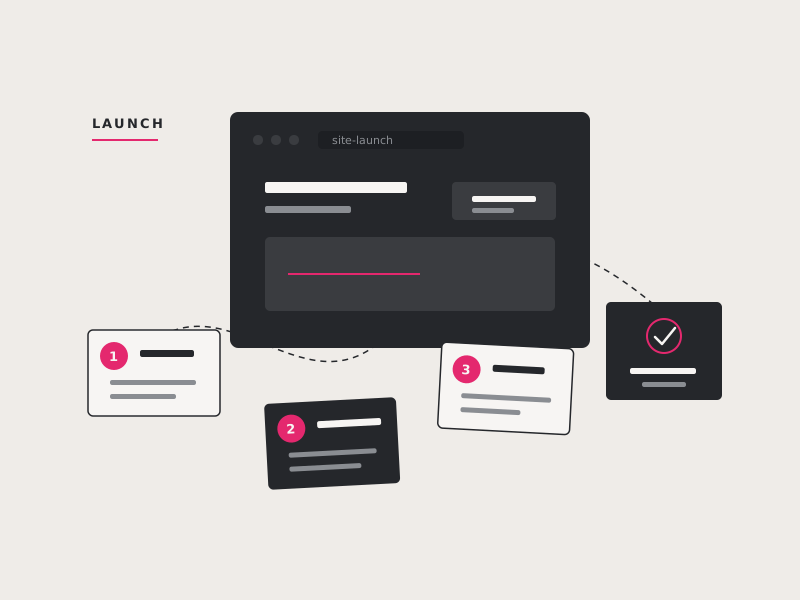
New Website Checklist for Local Businesses
Review the essential pieces of a successful local business website, including a memorable domain, keyword research, useful content, on-page SEO, Google Business Profile, analytics, reviews, and social visibility.
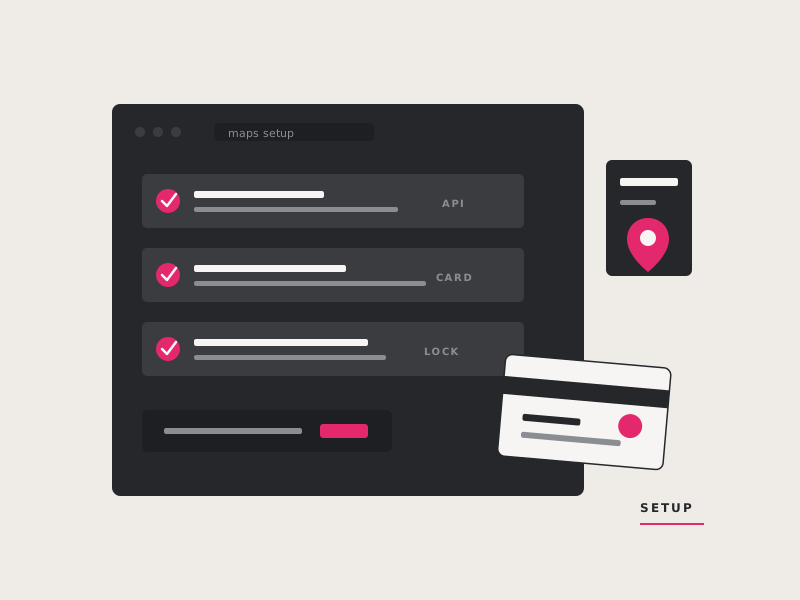
How to get a Google Maps API Key
Follow the steps for creating a Google Maps API key, enabling the required Google Maps services, setting billing and restrictions, and adding the key to your website.
Tips for On-Page Optimization with Yoast SEO
Learn how to use Yoast SEO to improve page titles, meta descriptions, keywords, headings, URLs, image text, content length, and other on-page optimization basics.
Give Gutenberg Editor a Go
Get an introduction to the WordPress Gutenberg block editor and learn how its flexible content blocks can simplify page layouts, formatting, images, columns, and reusable content.
Built to Last – Tips for Building a Solid WordPress Website
Learn what to consider when building a dependable WordPress website, from secure themes and reputable plugins to backups, updates, performance, hosting, and long-term maintainability.
SEO Starter Guide for Small Businesses
Understand the fundamentals of search engine optimization and learn practical steps for improving page content, titles, headings, images, links, local signals, and overall website quality.
How Can I Speed Up My WordPress Site?
Learn the most common causes of a slow WordPress website and the practical improvements that can reduce load times, including optimized images, caching, quality hosting, updated software, and streamlined plugins.
I Need a Website! What is involved?
Get a straightforward overview of what you need to launch a website, including a domain, hosting, content, design, development, maintenance, search optimization, and ongoing support.
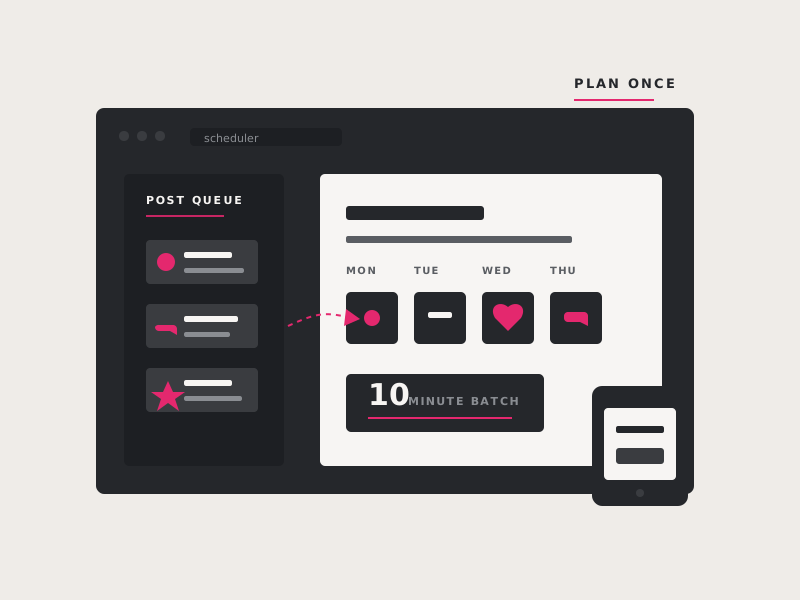
Social Media for Small Business in 10 minutes a day!
Build a manageable social media routine for your small business by choosing the right platforms, planning useful posts, scheduling content, engaging with followers, and limiting daily time commitments.
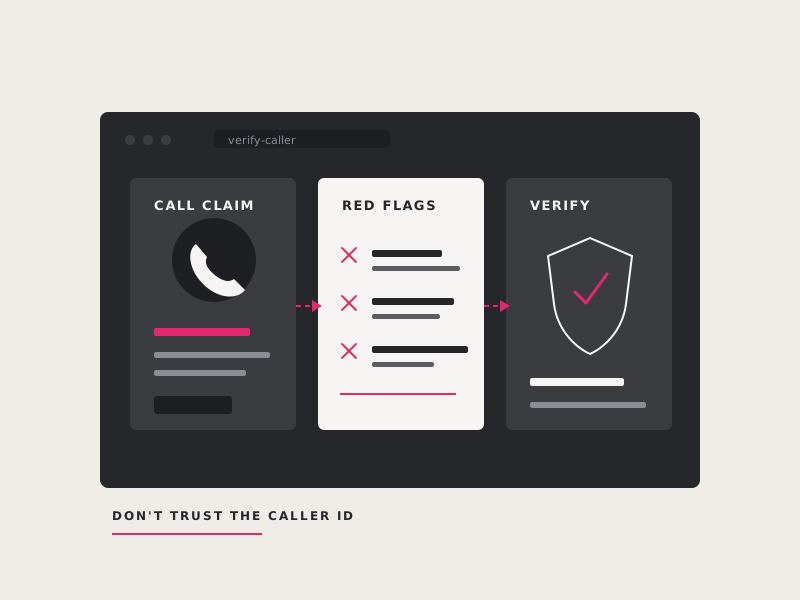
Google Doesn't Call You!
Learn how to recognize misleading sales calls from companies claiming to represent Google and protect your business from urgent, high-pressure offers involving your Google Business Profile.
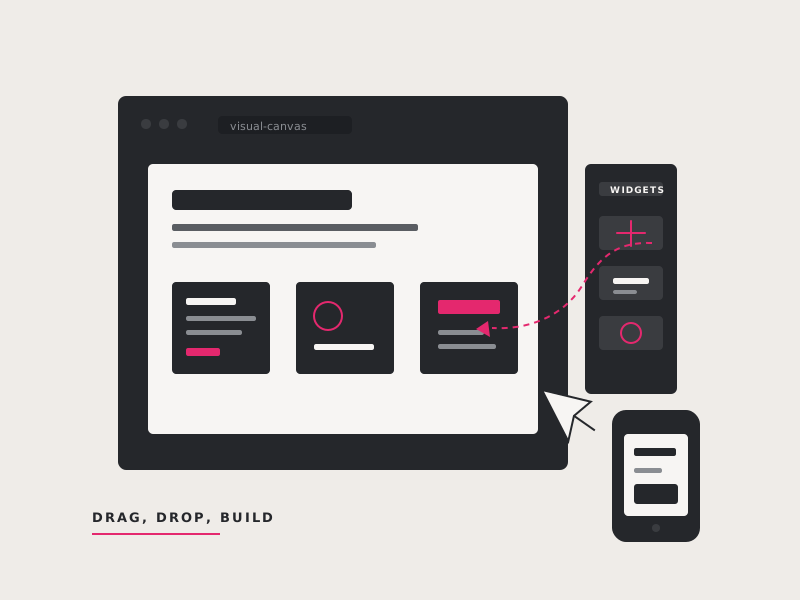
Beaver Builder vs Elementor vs Divi
Compare Beaver Builder, Elementor, and Divi based on usability, design flexibility, performance, support, and long-term site maintenance to help choose the right WordPress page builder.
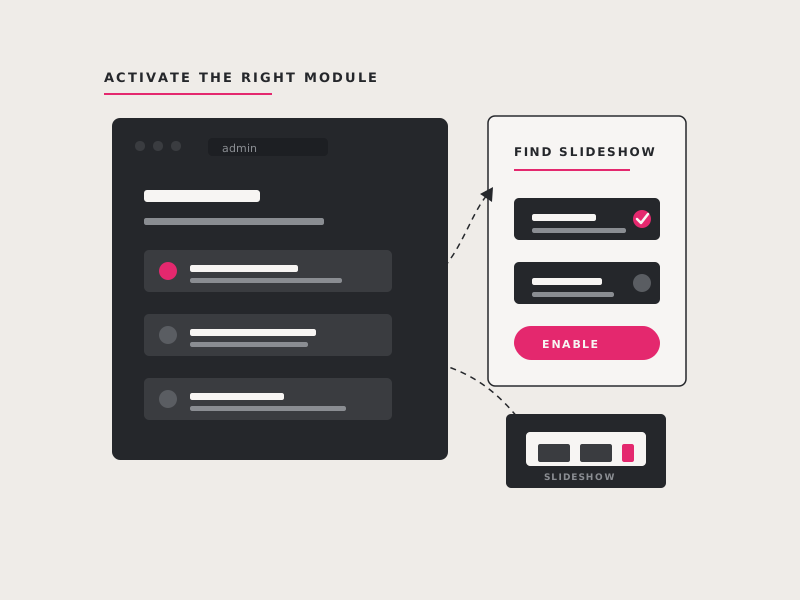
Can't find the Jetpack Slideshow Option?
Restore the missing Jetpack slideshow option by checking module settings and enabling the features required to display slideshow galleries in the WordPress editor.
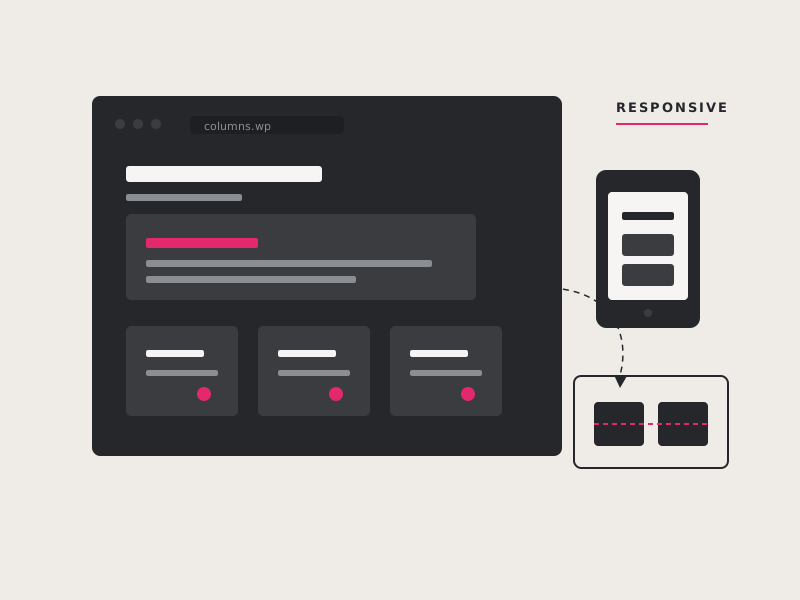
Create clean, responsive, multi-column layouts for your WordPress site without writing any code!
Learn how the SiteOrigin Page Builder plugin creates responsive multi-column WordPress layouts through a free drag-and-drop interface without requiring custom HTML or CSS.
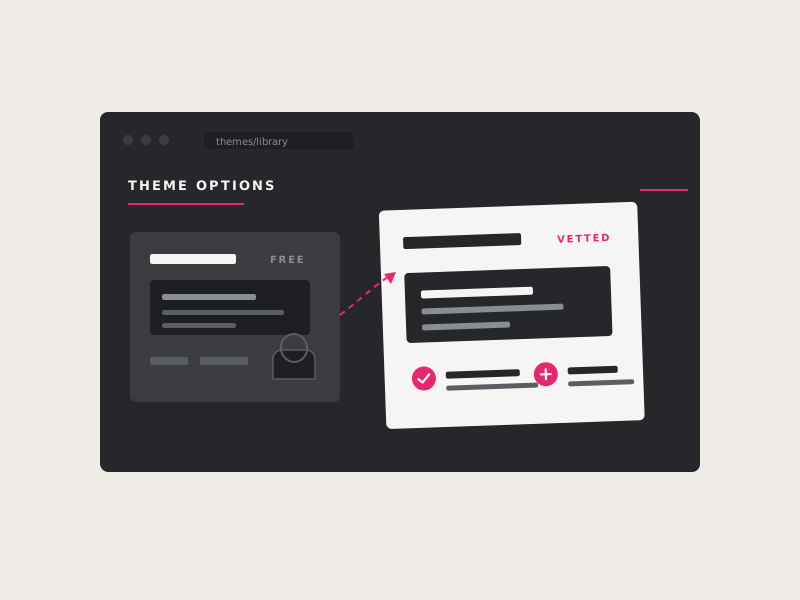
How to Choose a WordPress Theme
Learn how to evaluate a WordPress theme for security, support, responsiveness, customization options, compatibility, design quality, and the features your website actually needs.
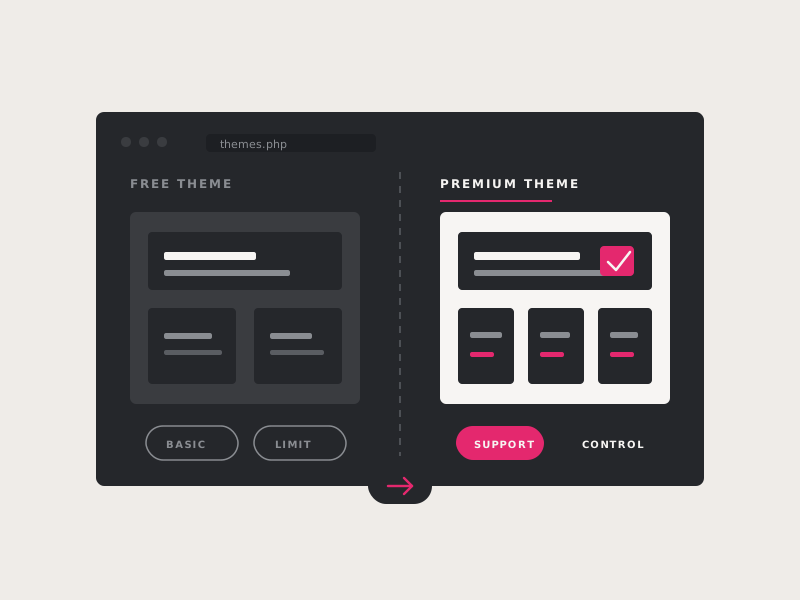
Free vs. Premium WordPress Themes
Compare free and premium WordPress themes, including differences in support, updates, customization, features, security, and long-term value for your website.
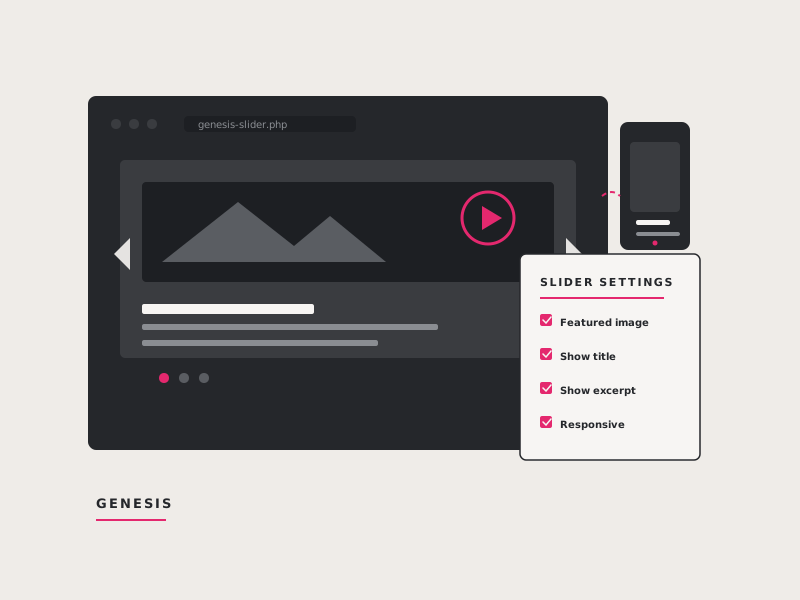
How to Configure the Genesis Responsive Slider
Follow a detailed walkthrough for configuring the Genesis Responsive Slider, selecting posts or pages, setting image sizes, controlling excerpts, and adding the slider to a WordPress site.
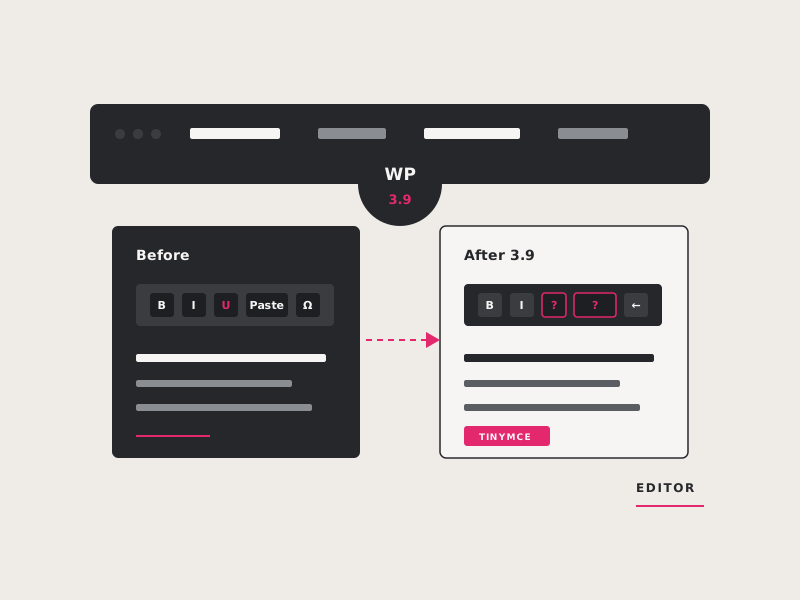
Visual Editor changes in WordPress 3.9 & the TinyMCE Advanced Plugin
Learn how WordPress 3.9 changed the visual editor, where familiar formatting tools went, and how the TinyMCE Advanced plugin can restore or customize editing options.
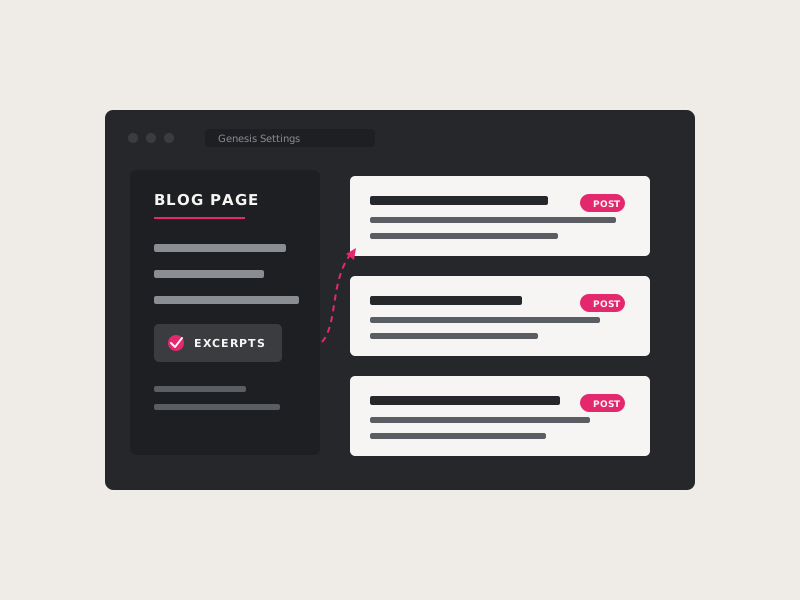
Genesis Blog Page Settings
Learn how Genesis Framework settings can display post excerpts instead of full articles, control excerpt length, add featured images, and keep your main blog page concise.
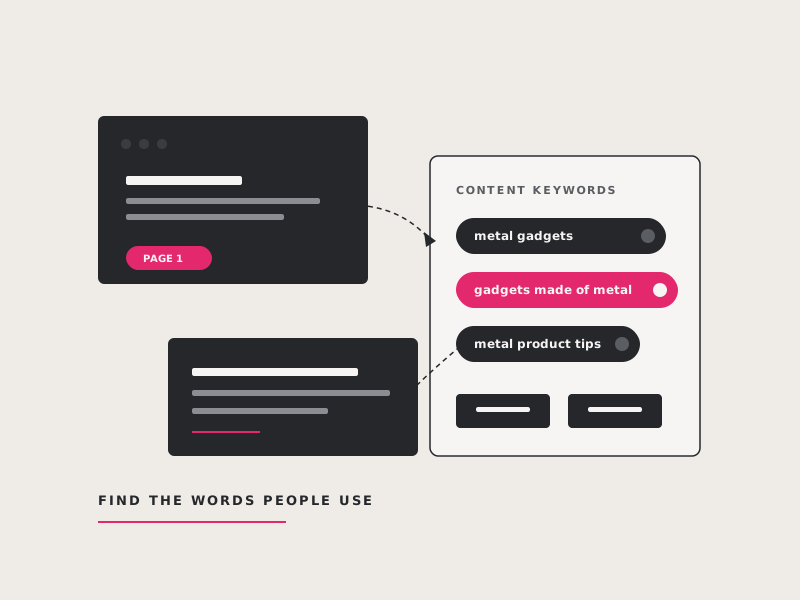
How to Choose Good Keywords
Learn how to choose effective search keywords by balancing relevance, search volume, competition, buyer intent, location, and the specific language your customers use.
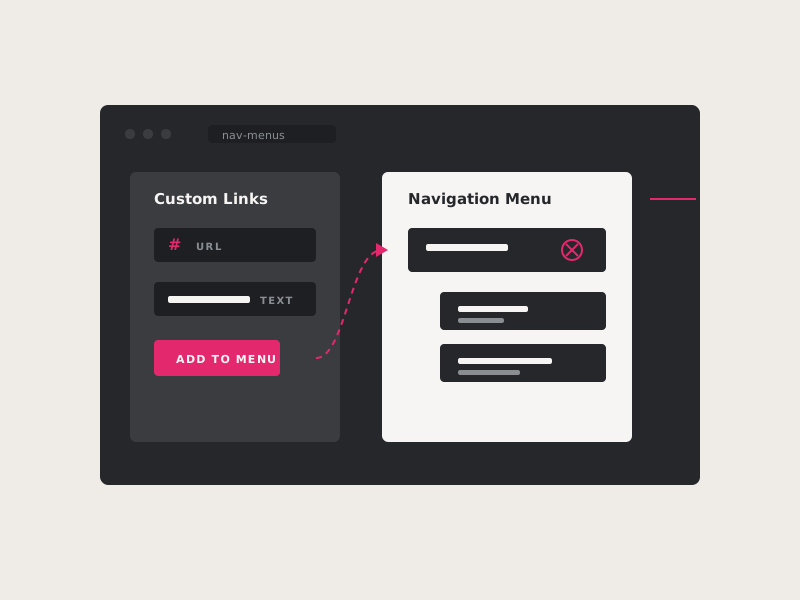
Adding a top level menu item that doesn’t link
Create a non-clickable top-level WordPress menu label for organizing dropdown links without sending visitors to an unnecessary page.
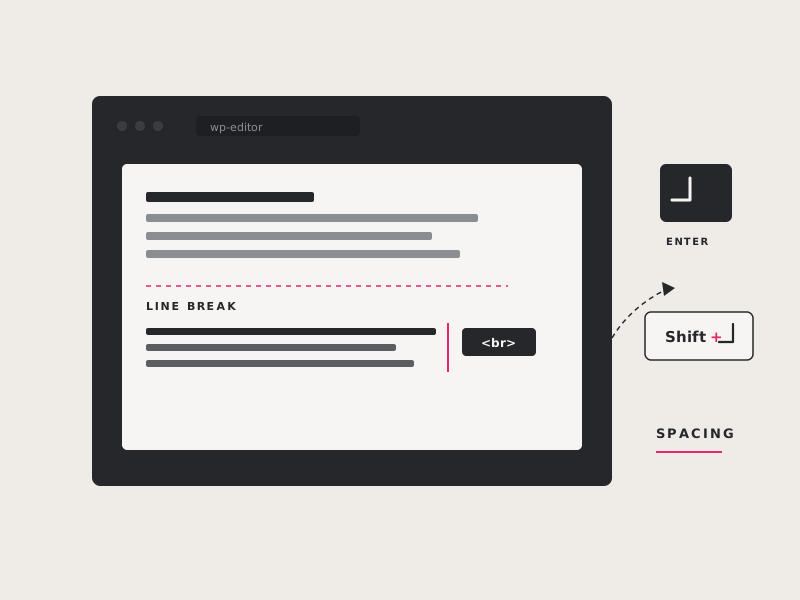
Too much space between lines
Learn why pressing Enter creates a new paragraph in WordPress and how Shift+Enter adds a single line break when you need tighter spacing.
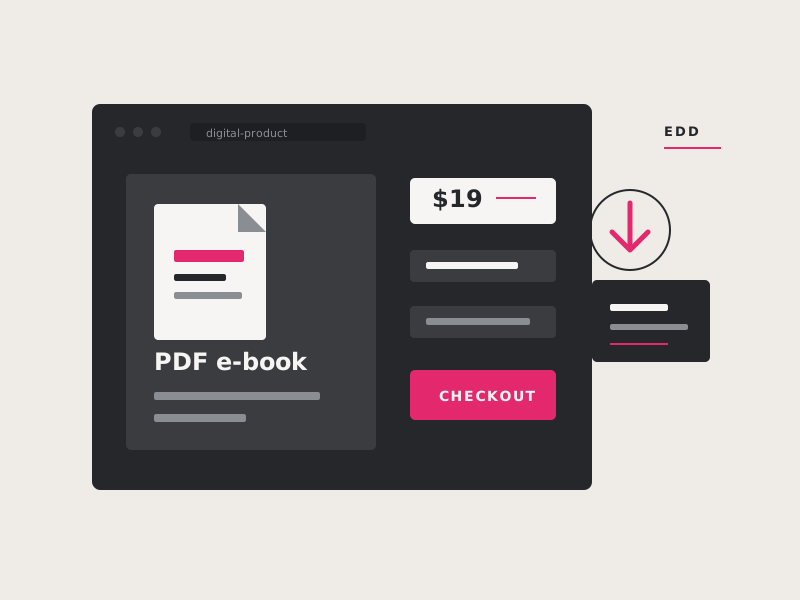
Easy Digital Downloads
See how Easy Digital Downloads can add a lightweight online store for selling PDFs and other digital files without installing a full e-commerce platform.
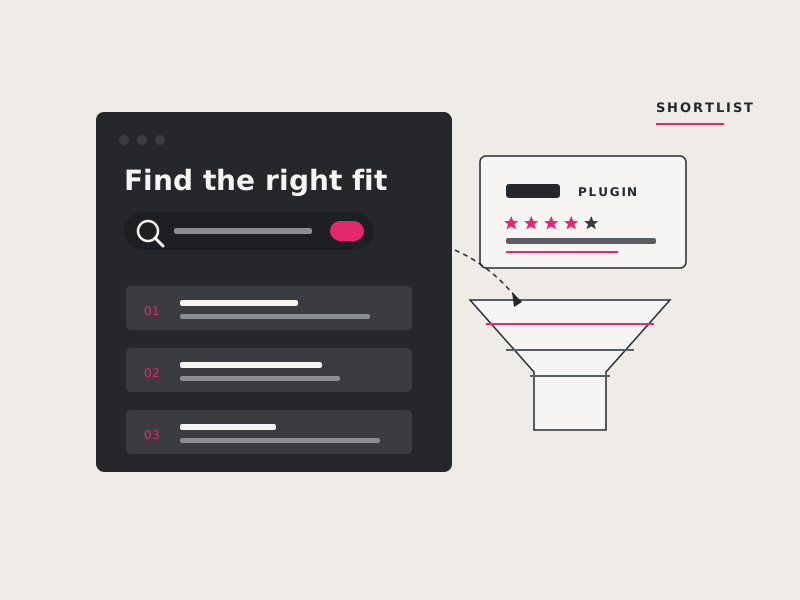
Finding the Right WordPress Plugin
Use practical checks involving ratings, updates, support, compatibility, and reputation to identify reliable WordPress plugins and avoid poorly maintained or insecure options.
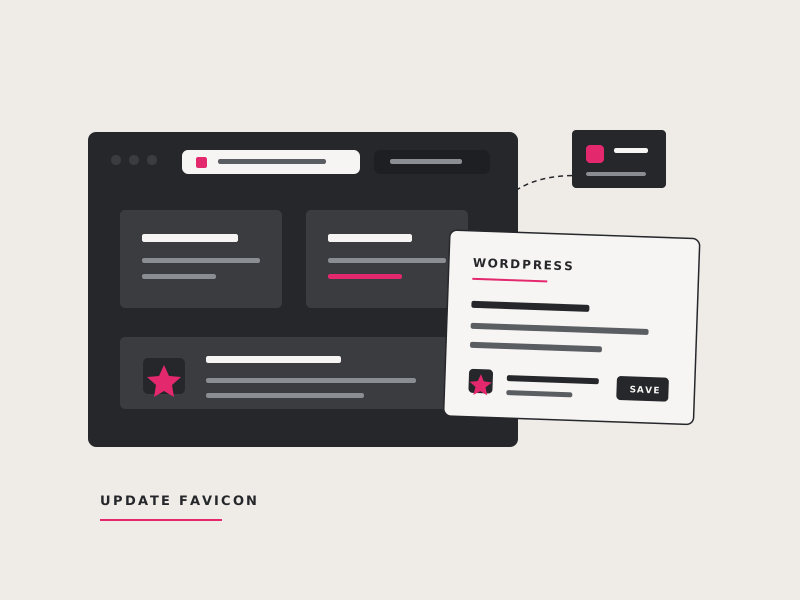
How To Update your WordPress Favicon
Follow a simple tutorial for creating and installing a favicon so your WordPress website has a recognizable icon in browser tabs and bookmarks.
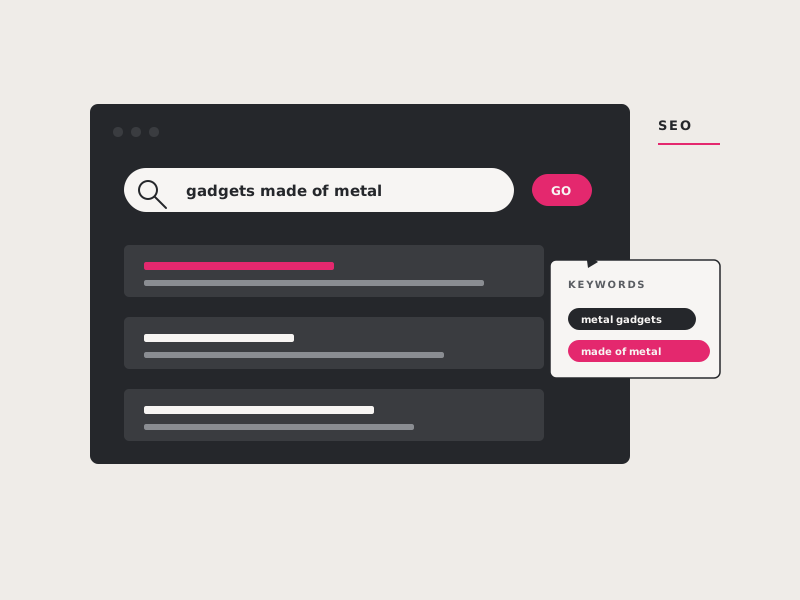
SEO Keyword Basics
Learn the basics of keyword research and placement so your website uses the same terms potential customers enter into search engines.
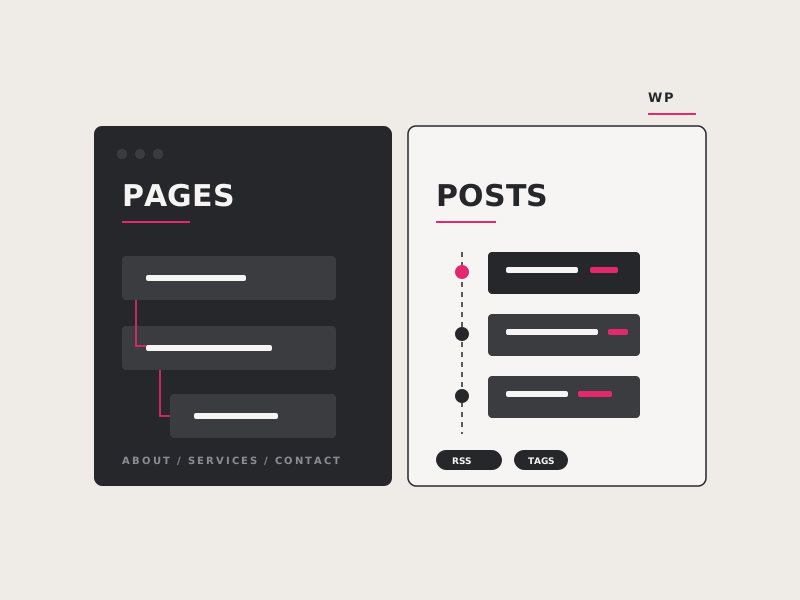
What's the difference between a Page and a Post on WordPress
Understand how WordPress pages and posts differ in hierarchy, categories, tags, feeds, dates, and typical use so you can organize website content correctly.
Schedule a free consultation.
Choose a time and we'll give you a call to discuss your project: goals, scope, timeline, budget. No pitch deck, no pressure.